The sizes at a glance
| Part | Shown at | Made at |
|---|---|---|
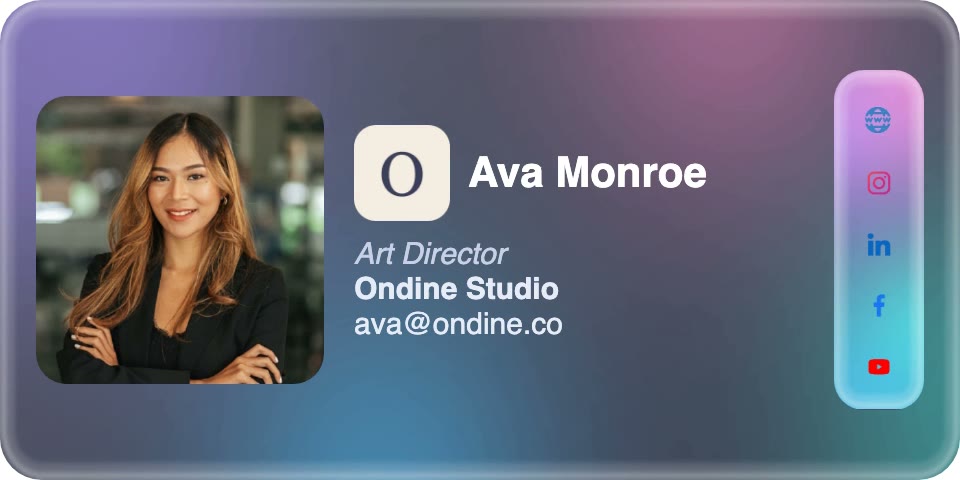
| The whole signature | 320 by 160 pixels | As shown: it is text and tables |
| Photo | About 90 to 160 pixels tall | Twice that |
| Logo | About 24 to 32 pixels | 100 pixels square |
| Social icons | About 18 pixels | Twice that or more |
| Banner | 320 wide, 64 tall designed or 80 uploaded | 640 wide |
| Animated photo | As the photo | 250 kilobytes at most |
Width
Width is the one size that can break an email. A signature built from tables does not wrap, so on a phone narrower than the signature, Apple Mail shrinks the whole message to fit and other phone apps leave it to scroll sideways. The narrowest phone a signature is likely to meet lays out at 320 pixels: the first iPhone SE's screen is 640 pixels across at twice the usual density. So 320 is the widest a signature can be without changing how the rest of the email looks.
On a desktop, 320 costs nothing, because reading panes are far wider.The story of how we arrived at the number, after first choosing 480, is inwhy every design is 320 pixels wide.
Height
Height breaks nothing, but it is what people notice in a thread of short replies, where the signature can be taller than the message above it. Around 160 pixels holds a photo, a name, a title, a company, an email address and a row of icons, which is everything most people need. A portrait layout can stand taller, and a banner adds its own height below.
Keep the height steady when details change. A long name that wraps onto a second line pushes everything down; our designs shrink a long company name, and in several of them a long name, until it fits on one line instead.
Photo, logo and icons
Phones pack two or three screen pixels into each of a signature's pixels, so a picture made at exactly the size it is shown looks soft on them. Make each one at twice that size and let the mail client scale it down. Our photos are drawn between about 90 and 160 pixels tall and every one is rendered at twice that; logos are stored at 100 pixels square and drawn at about 24 to 32, where more pixels would add nothing.
Social icons work at about 18 pixels: big enough to tap on a phone in a row of five, small enough to stay below the name in importance.
Banner
A banner under the signature is as wide as the signature, 320 pixels, and short. A designed banner here is 64 pixels tall; an uploaded one is framed to 320 by 80 before it is used, and both are made 640 wide so they are sharp on a phone. Taller than that, and the banner starts to outweigh the signature it sits under.
Weight
Every picture in a signature is downloaded every time an email is opened, so its weight is paid on every message, often on a phone's data. Each animated photo we make is kept under 250 kilobytes, and a whole signature, with an animated photo, a logo and five icons, comes to about a quarter of a megabyte. When an animation would be heavier, use fewer frames rather than fewer pixels: a slightly coarser motion is less noticeable than a soft face.
Length in characters
Gmail takes up to 10,000 characters of signature. A signature built from simple tables needs well under that: every design here, measured as HTML with a banner and tracked links, stays under about 7,500. One that hits the limit is usually carrying styles or code it does not need.